Quick start
Sign in to first trade in a few steps. No 40-minute onboarding video.
What actually happens
You sign in. clusterz makes a Solana wallet for your account. You can trade straight away.
Your keys, your bags. We never hold your funds. Export your private key any time from Account. No identity checks.
Every account has two modes. Practice is practice money against the live market. Live is real SOL from your own wallet. Flip between them with the Practice / Live switch in the header: paper icon is Practice, SOL icon is Live. More in Practice and Live.
Sign in
- Open clusterz.fun and hit LFG on the opening screen. The sign-in sheet opens. Already lurking signed out? Hit Sign in in the header instead.
- Pick an option on the sheet, like Continue with Google, Continue with X or Continue with a wallet.
- Or type your email, press Email me a code, punch in the 6-digit code from the email and press Verify & enter.
Signing in with any option means you agree to the Terms of Service and the Privacy Policy.
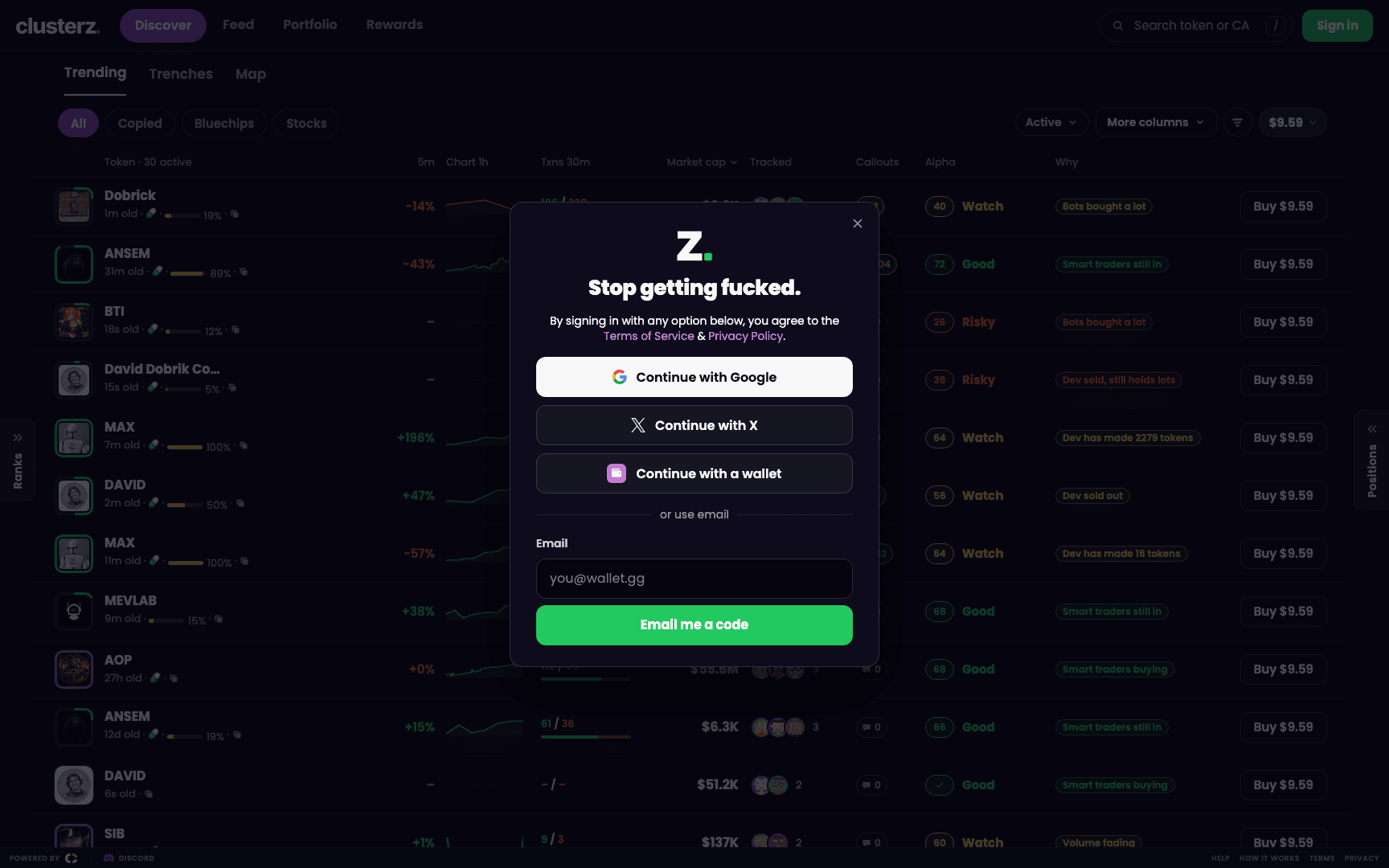 Google, X, a wallet or an email code. Pick one and get in.
Practice or Live
You start in Practice. Your new wallet starts empty. First thing a new account sees: How do you want to start? Two choices, Start with practice money or Deposit now. Switch any time.
- Want to kick the tyres first? Stay in Practice. A fresh practice balance is worth 1,000 USD in SOL at the current SOL price.
- Ready for real bags? Add SOL to your wallet and go Live. Press Add money on Portfolio, copy your wallet address or scan the QR code, and send SOL from Phantom, Solflare or your exchange. It lands in under a minute. See Funding your wallet.
Hit Buy in Live with an empty wallet and clusterz stops you at Your wallet is empty. Two ways out: Try in Practice or Add money.
Your first ape
- Go to Discover and open Trending. Every row is a token tracked wallets are trading: market cap, 5-minute change, which tracked wallets are in it, and its Alpha score.
- Check the buy amount chip at the top of the list. That is what every row's Buy button spends, and the button says it (like Buy $9.57). Press the chip to pick another amount.
- Hit Buy on a row. It goes through at once and the position shows up right away. No waiting while the chart runs.
- Want to look under the hood first? Press the row itself instead. The token opens with its chart, Safety, SI read, Alpha score and its own buy controls. See Token page.
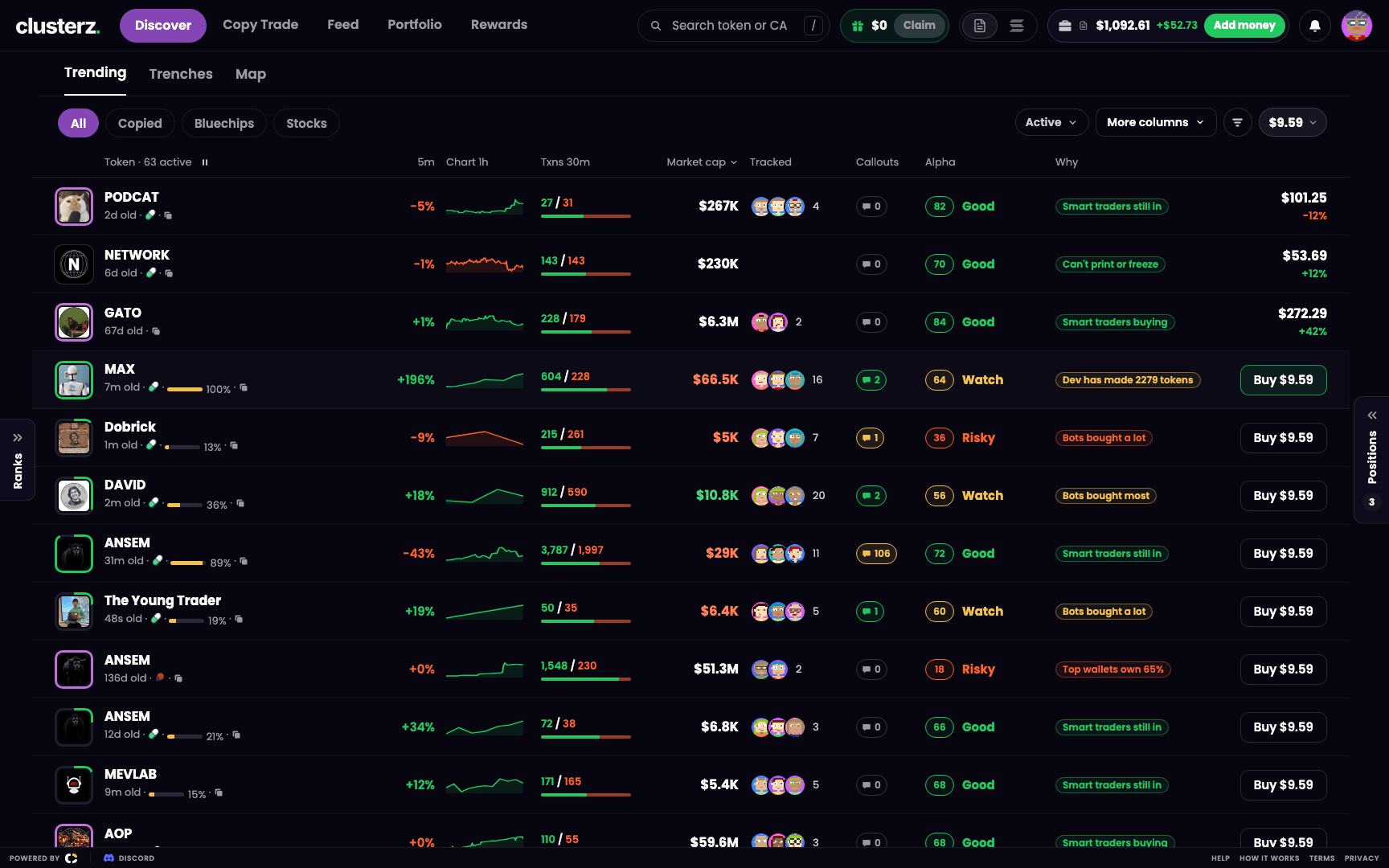 One click on Buy. Your preset amount. Done.
Change your buy amounts in the buy sheet (Edit buy amounts) or under Buy presets in Trade settings. See Buying and selling.
Watch it, sell it
- Open Portfolio. Open trades sit under Open with their P&L. Sold ones move to Closed.
- Hold a token and it gets sell buttons on its row and its token page: 25%, 50%, 75% and All.
- Hit one to sell that slice of your bag. All closes the position.
Don't want to babysit it? Set take profit, stop loss and trailing stop rules and the position sells itself. See Exits.
The Get started checklist
New account on desktop? A Get started checklist sits in the bottom right corner. Three boxes:
- Pick a name
- Add money (or try it with practice money)
- Make your first buy
Finish a step and it gets struck through. In your way? Fold it to a small pill. Hit 3 of 3, it says You're set and gets out of your face.
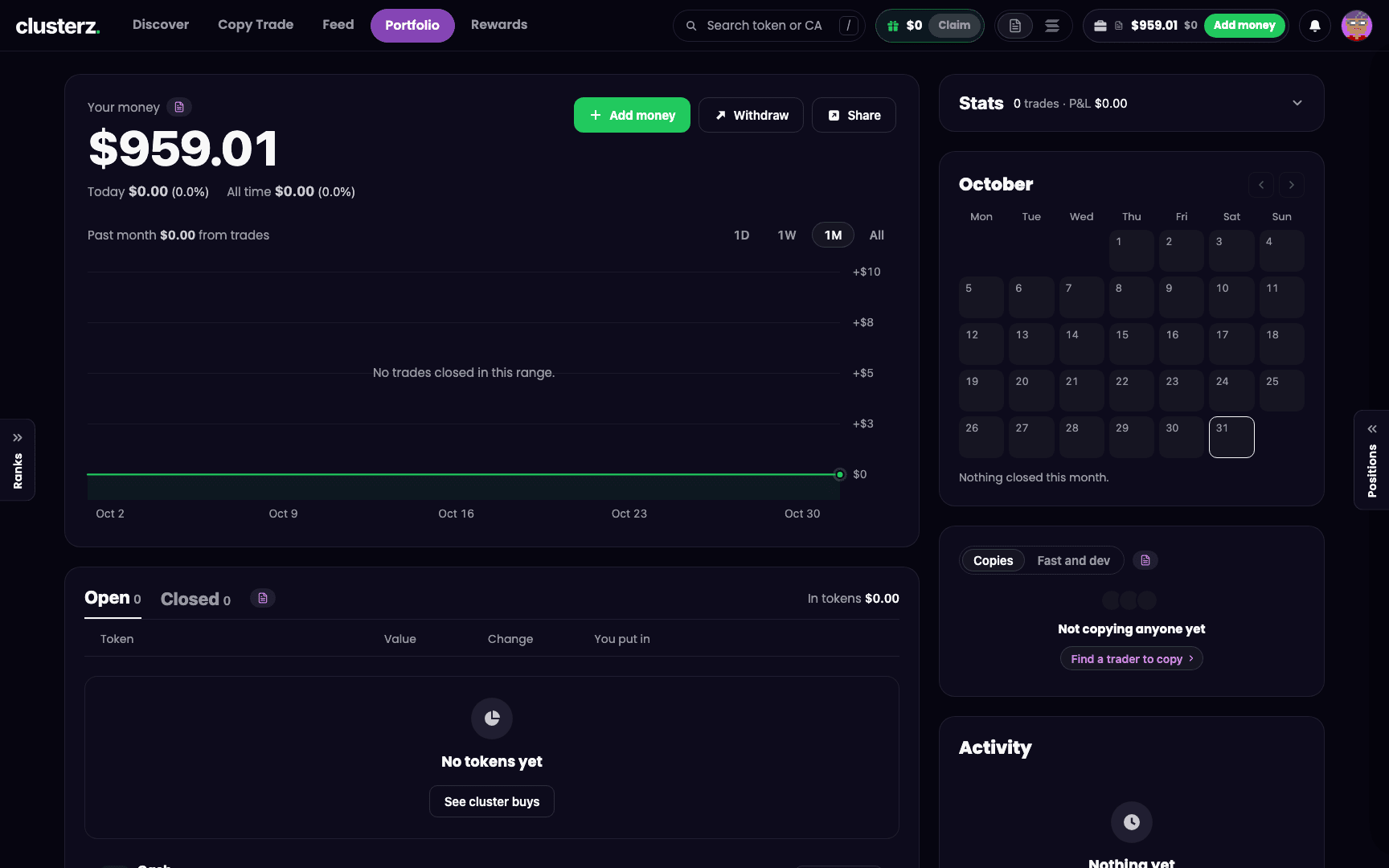 Three boxes between you and your first trade.
Going Live
Ready to put real SOL on the line:
- Add SOL to your Main wallet with Add money.
- Flip the header switch to Live. A Switch to Live? sheet shows your wallet, its balance and the fee.
- Press Switch to Live to confirm. Cold feet? Stay in Practice keeps you practicing.
- Buy and sell the same way you did in Practice. The difference: Live trades come out of your own wallet and settle on the network. Real bags now.
Got copies or snipes running? The same sheet lists them. They stay in Practice unless you press Choose and switch on the ones you want in Live. See Copy Trade.
Before you send it
- Practice and Live keep separate balances, trades and leaderboards. Jeet all you want in Practice. Your real P&L never sees it.
- Blew up Practice? Start over any time: Account > Practice money > Reset, then Reset practice. Live money, trades and wallets are never touched.
- Lost? Open Help from the footer on desktop, or from Account on your phone. It shows the controls and keys, and replays the map and filters walkthroughs (Replay the map walkthrough, Replay the filters walkthrough).
- On a phone, the bottom bar holds Discover, Ranks, Copy, Feed, Portfolio and Rewards. See Using clusterz on your phone.